
1. Copy the video link
On the post you want to download, tap the Share icon and then choose Copy link.
Download videos from X
Download public X videos to watch offline. Paste the link into Pocbi and choose an available quality. The service is free on mobile and desktop.
On the post you want to download, tap the Share icon and then choose Copy link.
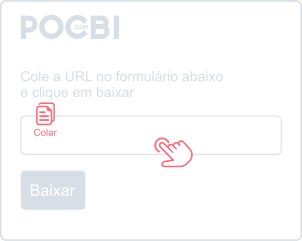
Now paste the video link into the form above and tap Download.
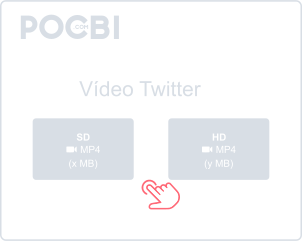
Choose a file, tap Download and wait for the download to finish.
Save public X videos for free in the resolution available for each post.
Pocbi runs in your browser, without an account or extension. Copy the post link to save the video for offline viewing.
Use Pocbi in your browser on Android, iPhone, Windows, Mac or Linux, without installing another app.
Copy the post URL, paste it above and check the result before downloading.
Download videos from X and the other supported networks listed below.
In X, tap Share and choose Copy link. Open Pocbi in your browser, paste the address and tap Download. Check the Downloads folder or your browser’s download list.
Yes. Copy the post URL directly from your browser address bar, open pocbi.com, paste the link, and click Download.
By default, the videos are usually saved in the Downloads folder on your computer or phone. On mobile, you can often also view them in your gallery or photos app.
Yes. Download public videos from X and other supported networks for free.
No. Pocbi does not add a watermark to the original file.
Videos are downloaded in MP4 format. The quality, such as HD or SD, depends on the original resolution in which the video was posted on X.
Pocbi does not ask for your social network password. Respect the creator’s rights when reusing a video; credit does not replace permission when it is required.